
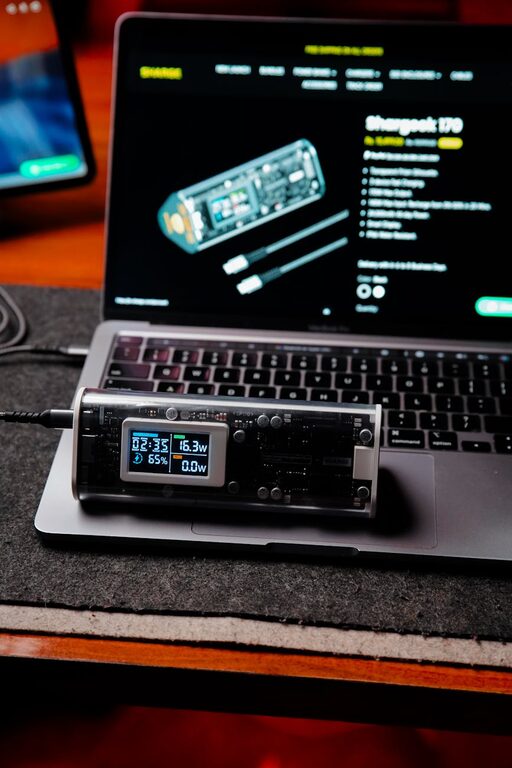
Creating a dedicated charging station for your devices is a smart way to keep your electronics organized, charged, and ready to go. Whether it’s smartphones, tablets, headphones, or smartwatches, having a central place to charge everything can reduce clutter and save you time hunting for cords and outlets. In this post, we’ll guide you through setting up your own charging station with easy steps and practical tips.
Why Set Up a Charging Station?
With the number of gadgets most of us use daily, charging cables and adapters can quickly create a mess. A charging station helps by:
– Centralizing charging in one spot
– Reducing clutter from multiple cables
– Keeping devices organized and easy to find
– Protecting devices from damage by giving them a stable place to rest
What You’ll Need to Get Started
Before setting up your station, gather some basic supplies:
– Power strip or surge protector: Provides multiple outlets for charging several devices at once.
– Charging cables: Ensure you have appropriate cables for each device (USB-C, Lightning, Micro-USB).
– Charging adapters: If devices require different plug types, you’ll need compatible wall adapters or USB hubs.
– Organizer: This can be a docking station, box, drawer organizer, or DIY stand to keep devices upright and cables tidy.
– Labeling materials (optional): Helps identify cables for specific devices.
– Cable management tools: Use clips, ties, or sleeves to prevent tangled cords.
Choosing the Right Location
Pick a spot in your home where the charging station will be easily accessible and close to a wall outlet. Common places include:
– Desk or home office area
– Kitchen counter
– Nightstand or bedroom dresser
– Entryway table
Make sure the area is flat and stable, away from liquids or heavy foot traffic.
Step-by-Step Setup Guide
Step 1: Prepare the Power Source
Start by plugging a power strip or surge protector into a nearby wall outlet. If you expect to charge many devices, choose a power strip with multiple outlets and built-in surge protection for safety.
Step 2: Arrange Your Charging Cables
Untangle and lay out all your charging cables. If some are worn or damaged, replace them for safety and reliability. Group cables by type if possible to keep things neat.
Step 3: Organize the Charging Station
Place your organizer or docking station on the chosen surface. If you don’t have a commercial organizer, consider DIY options like using a small box with compartments, a decorative tray, or even repurposing a utensil holder.
Inside the organizer, place each cable so the connectors are easy to access. You can use cable clips or ties to keep cables in place and avoid them falling behind furniture.
Step 4: Connect Devices for Charging
When devices are not in use, place them in the designated spots and connect their cables. Arrange them so that screens are visible, making it easy to check the charging status.
Step 5: Label the Cables and Spots (Optional)
For households with multiple users or many devices, labeling cables or charging spots can prevent mix-ups. Use small stickers or tags to mark which cable goes with each device.
Tips for Maintaining Your Charging Station
– Regularly clean your station to remove dust and debris that can affect device ports.
– Avoid overloading the power strip; know the total wattage supported and stay within limits.
– Charge devices at room temperature and avoid stacking them while charging to prevent overheating.
– Keep cables untangled by periodically checking and organizing the cords.
Bonus: Smart Charging Station Ideas
If you want to upgrade your charging spot, consider:
– Wireless charging pads: Great for compatible devices with Qi wireless charging technology.
– Multi-device docks: These often combine several charging plugs with stands for multiple devices.
– Charging drawers: Use hidden drawers with built-in charging outlets to maintain a clean look.
– Power banks: For portable charging, keep a charged power bank in your station for on-the-go needs.
Conclusion
Setting up a charging station at home is a simple project that improves everyday convenience and keeps your devices safe and organized. With just a few tools and some planning, you can create a functional and tidy space to power all your gadgets efficiently.
Happy charging!